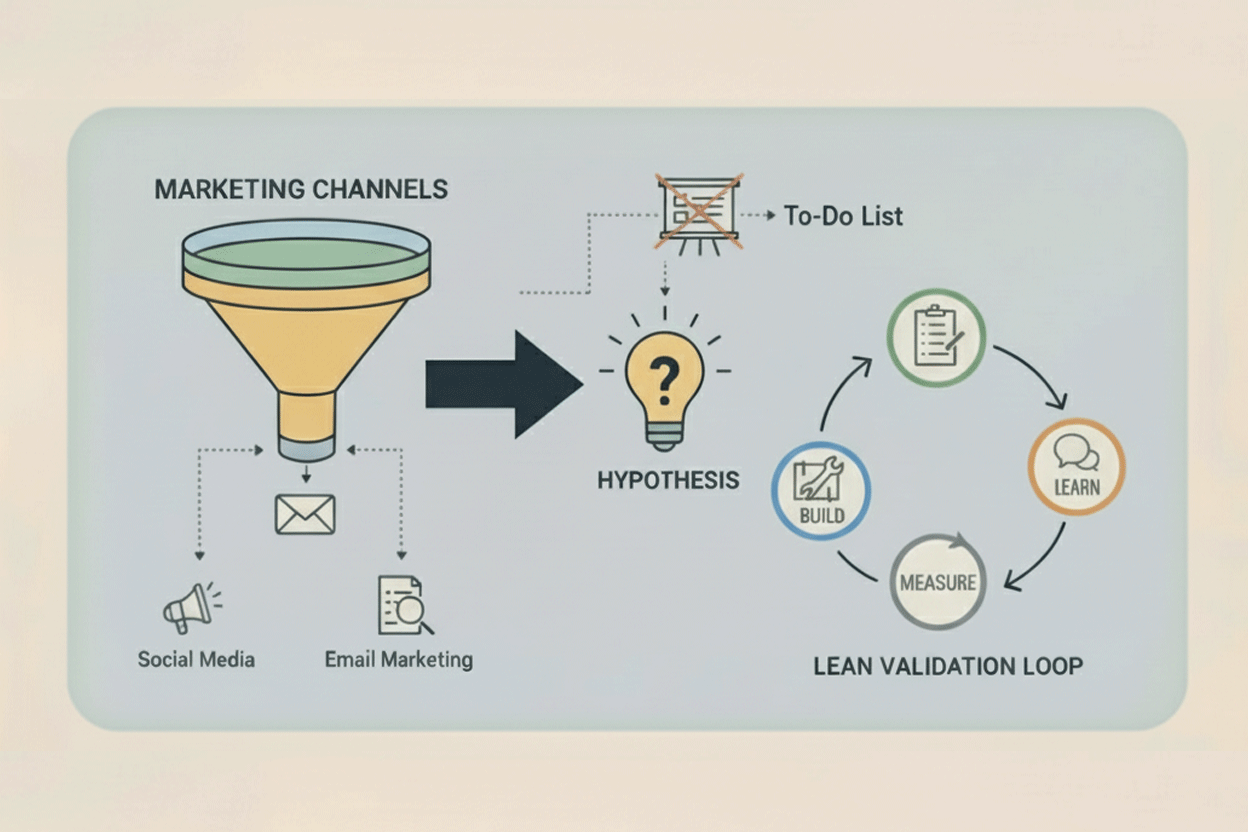
You’ve successfully completed the Build phase: you designed your Minimum Viable Agent (MVA), wrote a meticulous System Prompt (Role, Context, Output, Guardrails), and implemented strict input/output rules. You have a functioning prototype ready to deploy.
Now comes the most critical phase for any lean startup: Measure.
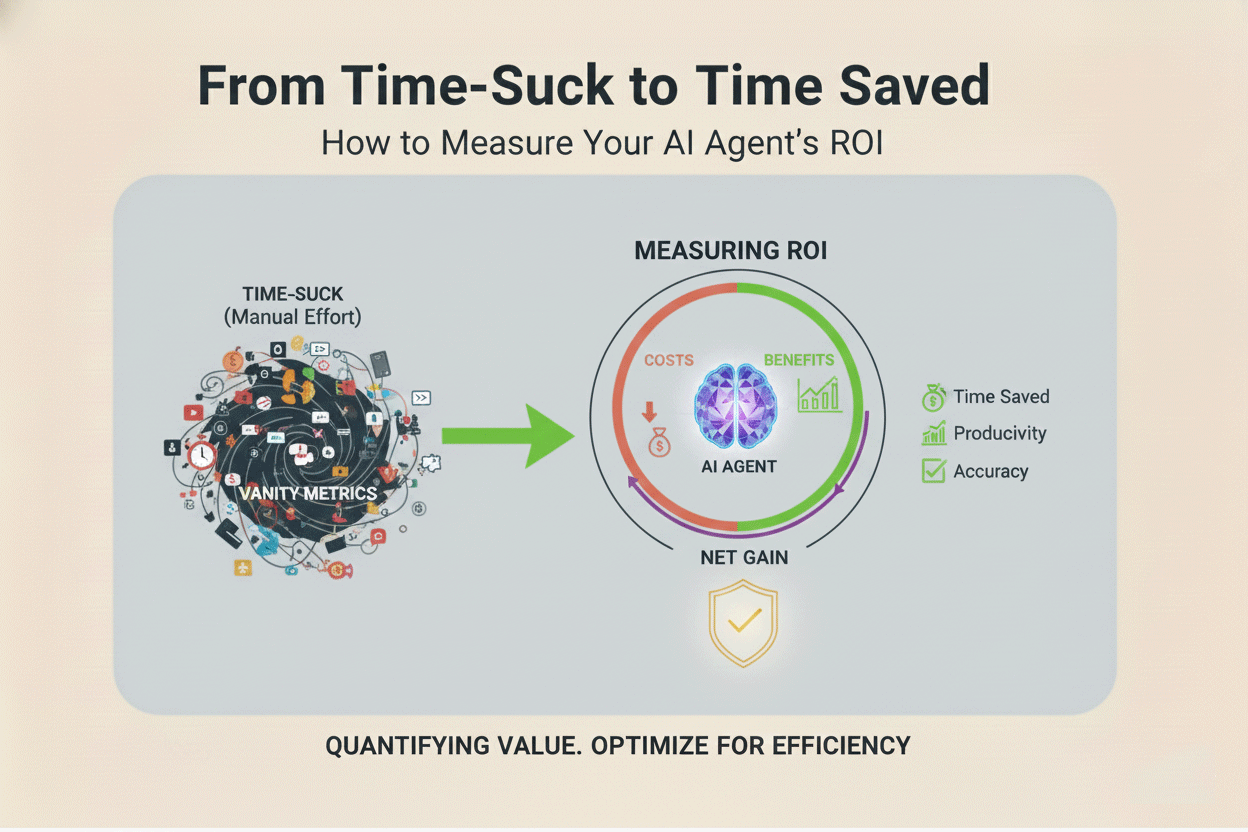
For the non-technical founder, measuring the success of an AI agent is simple: it’s not about token count, latency, or underlying model architecture. It’s about cold, hard business metrics. Does the agent save time, increase revenue, or improve customer satisfaction? If the answer is no, it’s merely a feature, not an assistant. If you can’t measure it, you can’t prove its value, and you can’t iterate on it.
This is the measurement playbook for tracking your AI’s Return on Investment (ROI) using practical, no-code methods.
The Core Metric: Quantifiable Time Saved (TS)
The primary reason you built an AI Assistant was to reclaim your capacity. The most valuable output of any automation system is the time it gives back to the founder. This must be the first metric you track rigorously.
Defining Net Time Saved (Net TS)
While the AI can complete a task in milliseconds, the time saved isn't just the difference between your old manual time and the AI's processing time. You must account for the ongoing oversight required. We call this Net Time Saved (Net TS), and it focuses on the essential concept of the Human-in-the-Loop (HITL) Time.
The Formula for Gross Time Saved (GTS):
GTS = (MT) × F
Where:
MT = Manual Time per Task (in minutes)
F = Frequency per Month
The Formula for Net Time Saved (Net TS):
Net TS = GTS − (HTA × F)
Where:
HTA = HITL Time per Audit (in minutes)
F = Frequency per Month
How to Calculate and Track Your TS
- Baseline Measurement (Before Deployment): Before going live, manually track how long it takes *you* to perform the task 10 to 20 times. Calculate the average manual time per task (e.g., 30 minutes for a detailed sales lead qualification). This average is your foundation.
-
Tracking HITL Time (After Deployment): This is the crucial step. Since your MVA is an early-stage prototype, you will likely need to audit every 5th or 10th agent output to check for quality and compliance. Your HITL time includes:
- The time spent reviewing the AI’s output.
- The time spent correcting any errors (fixing formatting, adjusting tone, or escalating the case).
- The time spent updating your knowledge base based on the agent’s failure.
- The Result & Strategic Value: If you used to spend 5 hours/week on a task (300 minutes), and now you spend 30 minutes auditing the agent's output, your Net TS is 4.5 hours per week. This is the capacity you have successfully bought back. Those 4.5 hours can now be dedicated to strategic growth activities like high-leverage sales calls, deep customer empathy interviews, or product development—tasks an AI cannot (yet) handle.
Financial Metrics: Cost Displacement (CD) and Cost Per Resolution (CPR)
An AI agent, even a no-code one, is not free. It has direct costs (API usage, subscription fees) and indirect costs (your time spent setting it up). We must measure its financial efficiency to prove its ROI.
Tracking Cost Displacement (CD)
Cost Displacement (CD) directly compares the running cost of the agent against the cost of human labor performing the same function.
1. Calculate Agent Costs (AC):
- Subscription Fees: The monthly cost of your orchestrator (Zapier, Make.com, n8n, Relay.app) and any external tools (Airtable storage, Notion).
- Usage Fees: The token cost of the Large Language Model (LLM) you are using. While often small, these can scale. Modern LLMs like Gemini are highly efficient, but you must factor in the cost of context windows (sending large amounts of proprietary data uses more tokens).
2. Calculate Labor Cost Equivalent (LCE):
- This is the estimated cost of hiring a human—a Virtual Assistant (VA) or a junior employee—to perform the same task for the Net TS hours you saved.
3. The CD Calculation:
- If the agent costs $50/month (AC) to run (orchestrator + tokens), but successfully displaces the need to hire a VA for 10 hours a month (at $20/hour, or $200/month LCE), you have achieved a $150 CD per month.
*Focus on maximizing this displacement.* If your AI Assistant's LCE is significantly higher than its AC, it proves the agent is a financial asset, not just an overhead cost.
Introducing Cost Per Resolution (CPR)
For agents handling large volumes of repetitive tasks, such as initial customer support or lead scoring, Cost Per Resolution (CPR) is a highly efficient metric.
CPR = AC ÷ TSC
Where:
AC = Total Agent Costs
TSC = Total Successful Tasks Completed
CPR helps you compare the efficiency of different technical components. If you test two LLMs—LLM A being slightly more expensive but requiring fewer prompt refinements and reducing your HITL time—your CPR will help you determine the most economical option *overall*, not just the cheapest per token. A low CPR is the goal, indicating highly efficient automation.
Quality Metric: Consistency, Compliance, and CSAT
Speed and cost savings are worthless if the agent is making costly mistakes, damaging your brand, or alienating customers. The third pillar of measurement is quality assurance.
Error Rate & Guardrail Compliance: The Taxonomy of Failure
Your Guardrails are the core of your quality control system. Set up a simple, dedicated log (a column in your Airtable or Google Sheet dashboard) to track failures. But you must distinguish between two types of failures:
-
Compliance Failure (The Fixable Problem): This occurs when the agent violates one of the explicit instructions in your System Prompt.
- *Examples:* Provided an opinion when it should have only used facts; failed to format the output as JSON; offered a refund when explicitly told not to.
- *Action:* This indicates a weak spot in your System Prompt structure. You need to strengthen the guardrail.
-
Hallucination (The Factual Problem): This occurs when the agent invents information that is not present in its RAG (knowledge base) context or is factually incorrect.
- *Examples:* Made up a product feature; invented a price point; cited a non-existent company policy.
- *Action:* This indicates a gap in your Context or a failure of the RAG retrieval process. You need to update the knowledge base or refine the retrieval prompt.
Target: Your goal is to keep the total Error Rate below 5%. If your Error Rate exceeds 10%, your Net TS will plummet, as the time spent correcting mistakes will negate the time saved.
Designing the Customer Satisfaction (CSAT) Feedback Loop
If the agent is customer-facing, you must integrate a feedback mechanism—this is your only source of external validation.
- Mechanism Design: The feedback mechanism must be quick and binary. After an interaction, ask the user: "Was this response helpful? (Yes / No / Needs Human Help)."
- No-Code Tools for Feedback: Integrate a quick Typeform popup, a simple in-app prompt, or a SurveyMonkey link. Use an orchestrator (n8n or Relay.app) to link that response directly back to your internal Failure Log in Airtable.
- The Power of "Needs Human Help": This feedback loop not only tracks CSAT but also directly identifies cases where the agent correctly adhered to its "Escalate to Human" guardrail. Low CSAT on the agent's side indicates a needed prompt or knowledge update; a high rate of "Needs Human Help" indicates the agent is correctly identifying its limits.
Advanced Metrics and Strategic Review
As your agent matures, you need to track metrics that go beyond simple time displacement to prove its strategic value and scalability.
Agent Velocity (AV)
Velocity measures how quickly the agent completes its assigned task, from trigger to final output.
AV = Total Tasks Completed ÷ Total Time Elapsed
Where:
Total Tasks Completed = Number of tasks completed in a given period
Total Time Elapsed = Total time from first to last task completion (in hours)
While the LLM itself is fast, the orchestrator workflow (searching the database, calling the API, sending the email) introduces latency. If your Velocity slows down significantly, it's a diagnostic signal to check your orchestrator setup or your RAG database query speed. High Velocity means fast, reactive service, especially critical for sales and support agents.
Revenue Per Agent (RPA)
For agents with a direct or quantifiable indirect impact on revenue (e.g., a Lead Qualifier, a Content Generator, or a Sales Outreach Assistant), track Revenue Per Agent (RPA).
- Lead Qualifier Example: If the agent successfully qualifies 100 leads per month, and those qualified leads convert into $1,000 in revenue, the agent’s RPA is $10.
- Strategic Use: RPA moves the agent from a cost-saving measure to a revenue driver. If your RPA exceeds your AC (Agent Costs), your agent is profitable and ready for scaling investment.
The Formal Weekly Performance Review
Treat your agent like your most important, and newest, digital employee. Dedicate 30 to 60 minutes each week to review its performance against these metrics.
| Review Step | Focus Area | Actionable Outcome |
|---|---|---|
| 1. Audit the Logs (Error Rate) | Review all Compliance Failures and Hallucinations. | Identify the top 3 failure patterns. These become the focus for the Learn phase. |
| 2. Review Net TS & CD | Did the agent hit its time-saving goals? Is the LCE still greater than the AC? | Re-validate the MVA's purpose. If the TS is low, the agent is solving the wrong problem (time to pivot the job). |
| 3. Analyze CSAT Data | Look specifically at the "No" and "Needs Human Help" responses. | Use the raw customer feedback to directly update the agent's Tone and Context. |
| 4. Check Velocity & RPA | Are tasks slowing down? Is the agent driving expected revenue? | Budget for the next iteration (e.g., upgrading to a higher-capacity orchestrator plan). |
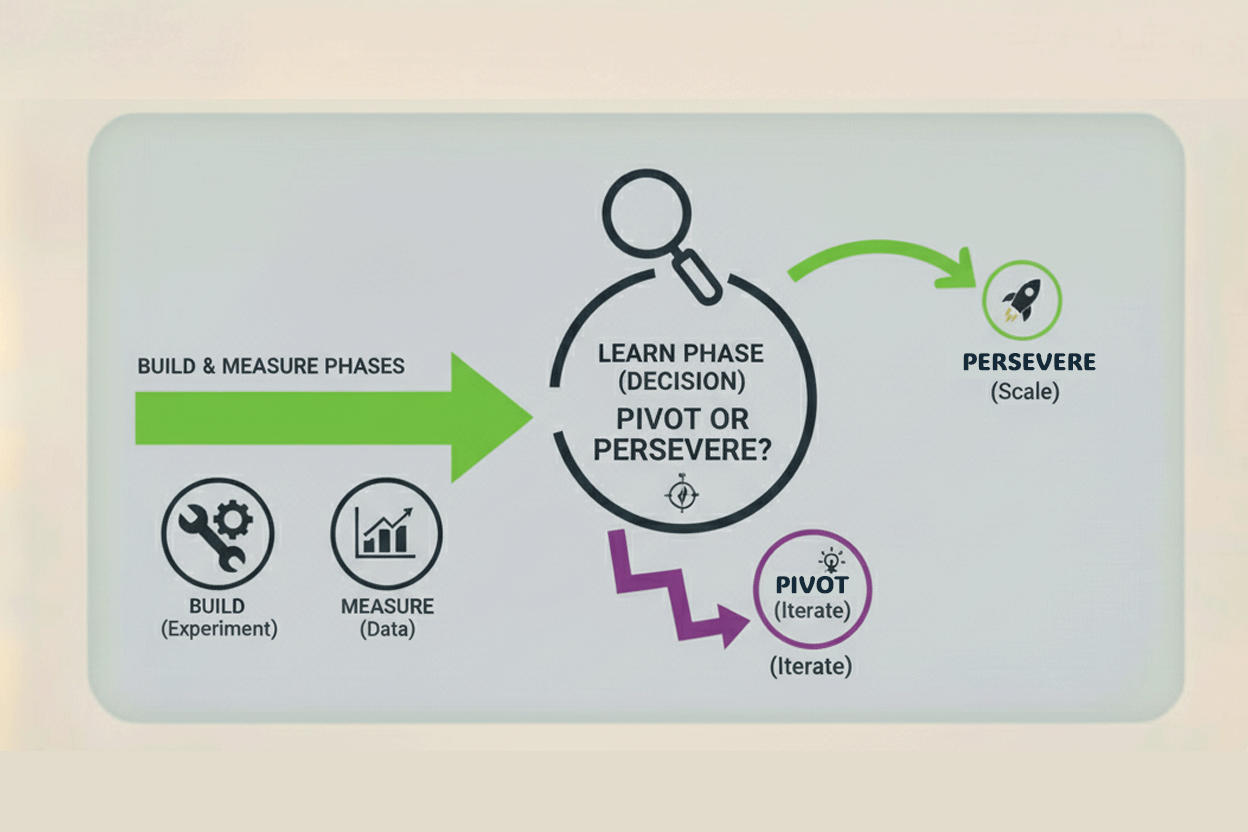
Measuring these quantifiable business outcomes proves that your AI Assistant is a strategic investment. This data-driven approach removes all emotion from the decision-making process, setting the stage perfectly for the final phase of the lean cycle: Learn.


No comments yet
Be the first to share your thoughts on this article!