The Trap of the "First Vibe"
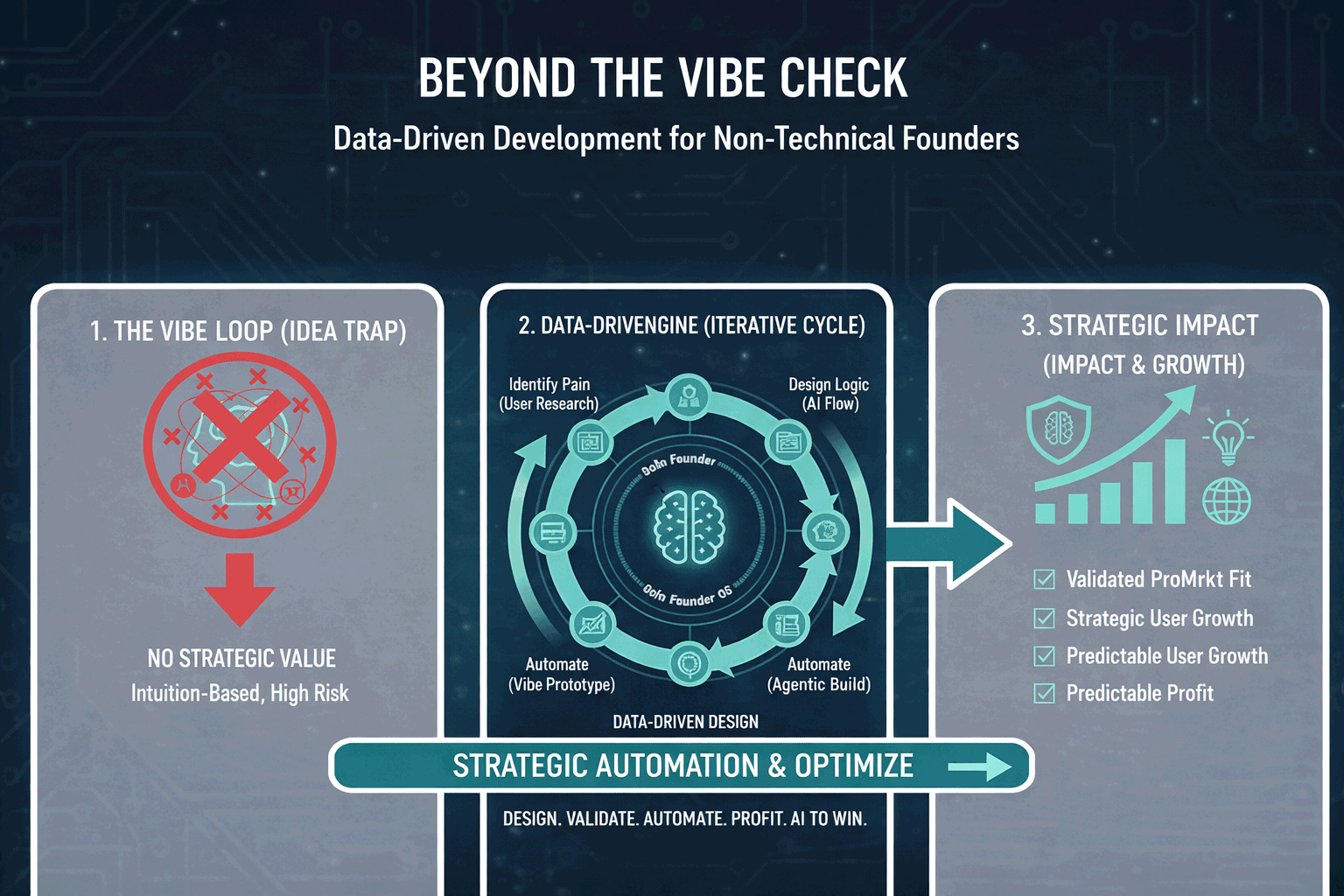
You’ve done it. You used Lovable or Bolt.new to shell out a beautiful UI. You used Cursor to inject the logic and connected it to a Supabase backend. You hit the site, typed a prompt, and the AI responded perfectly. You feel like a wizard. This is the "First Vibe"—the intoxicating moment when a non-technical founder realizes they’ve actually built a functional piece of software.
But here is the hard truth: A "vibe" is not a business.
When you are the only user, you can ignore the 5-second lag. You can ignore the fact that the AI occasionally hallucinates and calls you by the wrong name. You can ignore the $0.50 cost of a single query because it only happened once. But when you launch to 100, 1,000, or 10,000 users, those tiny cracks become canyons.
In the world of Vibe Engineering, the difference between a toy and a product is Observability. This post is about turning the "Black Box" of your AI code into a "Glass Box" where you can see every gear turning, every penny spent, and every user frustration in real-time.
The Philosophy of the "Glass Box"
In traditional engineering, "monitoring" is often seen as a chore for DevOps specialists. In Vibe Engineering, monitoring is your primary source of truth. Because you didn't write every line of code yourself—the AI did—you need to verify that the code is behaving as expected in the wild.
The Non-Deterministic Problem
AI apps are "non-deterministic." This is a fancy way of saying that for the same input, you might get a different output every time. This makes AI apps uniquely fragile. A minor update to an LLM model can change the tone of your app, break your UI layout, or increase your latency without you touching a single line of code.
Observability is how you defend against this. It’s the process of instrumenting your app so that it "calls home" whenever something interesting—or something terrible—happens.
The User’s Eyes: Mastering PostHog
The most dangerous thing a founder can do is assume they know how users are interacting with their "vibe." You might think your "AI Wizard" button is intuitive, but if users are clicking the logo three times trying to find the "Submit" key, your vibe is broken.
The Power of Session Replays
PostHog is the undisputed king of observability for founders. Its "Session Replay" feature is essentially a DVR for your app. You can sit back and watch a video of exactly what a user did: where their mouse hovered, where they hesitated, and where they eventually gave up.
How a Vibe Engineer uses Replays:
- Identifying "Rage Clicks": PostHog automatically flags when a user clicks a button repeatedly in frustration. For an AI app, this usually means the "Generate" button is taking too long or isn't giving feedback that it’s working.
- UI Hallucinations: Sometimes the AI generates a response that is too long and pushes your buttons off-screen. In a replay, you’ll see the user scrolling frantically looking for the "Next" button. You don't need to be an engineer to see that the layout is broken.
- The "Wait" Vibe: You can see if users are switching tabs while waiting for an AI response. If they leave the tab, your "Time to First Token" is too high.
Feature Flags: Testing the Vibe Safely
PostHog also allows for Feature Flags. Imagine you want to test a new, more expensive AI model (like Claude 3.5 Sonnet) against your current one (GPT-4o mini). You can set a flag to show the new model to only 10% of your users. You then compare the conversion rates of those two groups. If the "Sonnet" group is 20% more likely to finish their task, you’ve just made a data-driven decision to increase your API spend.
The Error Trace: Sentry as Your Safety Net
Sentry changes the game. It is an error-tracking tool that captures every crash, every failed API call, and every "undefined" error in real-time.
The "Fix This" Loop in Cursor
The time from "Bug Detected" to "Bug Fixed" goes from hours to minutes. You are effectively using Sentry as a scout and Cursor as your repair crew.
The Token Burn: Monitoring Cost and Latency
In the AI world, "Measurement" also means "Accounting." Every time a user interacts with your app, you are spending money on compute (tokens). If you aren't careful, a viral launch can result in a $5,000 API bill before you've even set up a Stripe account.
Tracking "Vibe Killers": Cost per Query
Ask yourself:
- Is this prompt too wordy? If you are sending 2,000 tokens of context for a 10-token answer, you are wasting money.
- Can this be cached? If 50 users are asking the same question, are you paying for 50 AI generations, or are you serving the first answer from your "Memory" (Supabase)?
Latency: The Silent Killer
"Vibe" is highly dependent on speed. If your AI takes 15 seconds to respond, the user's dopamine hit is gone. They’ve already opened TikTok.
- Streaming is Mandatory: Use observability to see if your app is "streaming" tokens (showing text as it’s generated) or "batching" them (waiting for the whole block to finish).
- Model Routing: You might learn that for 80% of tasks, a faster, cheaper model (like GPT-4o mini) provides the same "vibe" as a slower, premium model. Observability allows you to make that switch with confidence.
Defining Your North Star "Vibe Metric"
Generic metrics like "Daily Active Users" are fine, but a Vibe Engineer needs a Product-Specific AI Metric. This is the one number that tells you if your AI is actually doing its job.
Examples of Vibe Metrics:
- For a Writing App: "Percentage of AI suggestions accepted by the user."
- For a Coding App: "Number of generations until the user hits 'Run' successfully."
- For a Customer Support App: "Percentage of conversations that ended without the user asking for a human."
By tracking these in PostHog, you move away from "I think the AI is getting better" to "Our acceptance rate went from 45% to 60% after we updated the system prompt last Tuesday."
Security and Secrets: Protecting the Infrastructure
Finally, measuring your app means protecting the keys to the kingdom. One of the biggest risks for non-technical founders is accidentally "leaking" their API keys in their code.
The Environment Variable Audit
Use your "Measure" phase to ensure that your API keys are never written in the code. A Vibe Engineer uses .env files and "Secret Managers" in Vercel or Railway.
- If a key is leaked: Sentry or GitHub will often alert you immediately.
- Backups: Ensure your Supabase database is being measured for size and is being backed up daily.
Conclusion: From Founder to Auditor
You are no longer looking at the code to see if it’s "pretty." You are looking at your dashboards to see if it’s performing.
- Is Sentry quiet? (No errors).
- Is PostHog showing "Joyful" user journeys? (No rage clicks).
- Is the "Token Burn" within budget? (Profitability).
If the answer to these three questions is "Yes," then you have successfully engineered a vibe that can scale. You have moved from a hobbyist with a prompt to a founder with a production-ready system.
Next in the series: Post 3: LEARN – How to turn user feedback and prompt regression testing into a continuous learning loop.


No comments yet
Be the first to share your thoughts on this article!